The Invisible Teleprompter
Read your script while maintaining eye contact.
Completely invisible to your audience during Zoom, Teams, or OBS screen sharing.
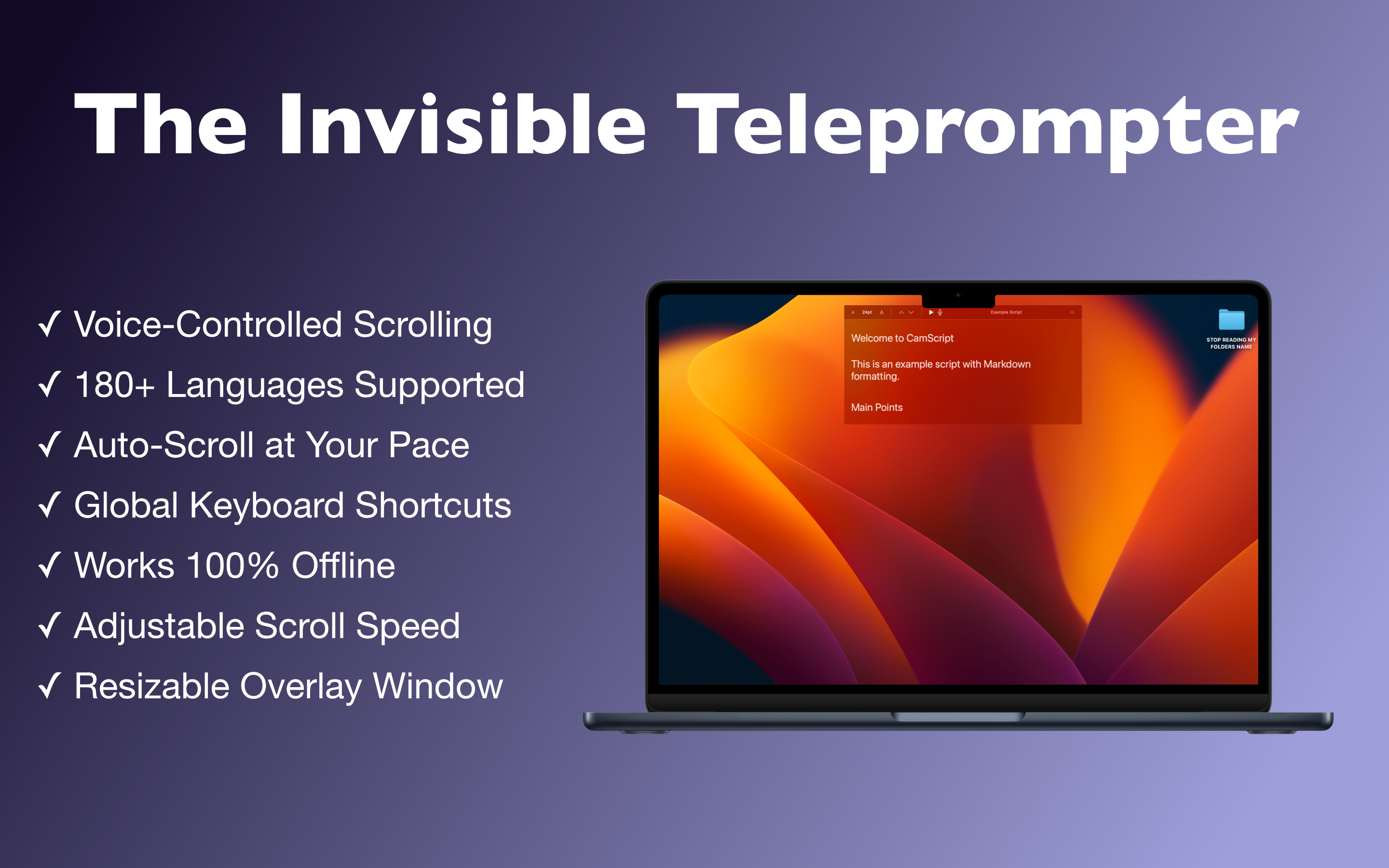
Read your script while maintaining eye contact.
Completely invisible to your audience during Zoom, Teams, or OBS screen sharing.
Sticky notes cover your screen. Outline documents look unprofessional during screen share. Looking down at notes breaks connection.
CamScript overlays your text directly on screen but remains 100% invisible to screen sharing tools. Only YOU see it.
Everything you need for professional presentations.
Zoom, Teams, Meet, OBS, Discord - none of them can see your script overlay.
3 Modes: Manual speed control, Auto-Scroll with adjustable speed, or Voice-Activated.
The script listens to you and scrolls automatically as you speak. 100% Offline processing.
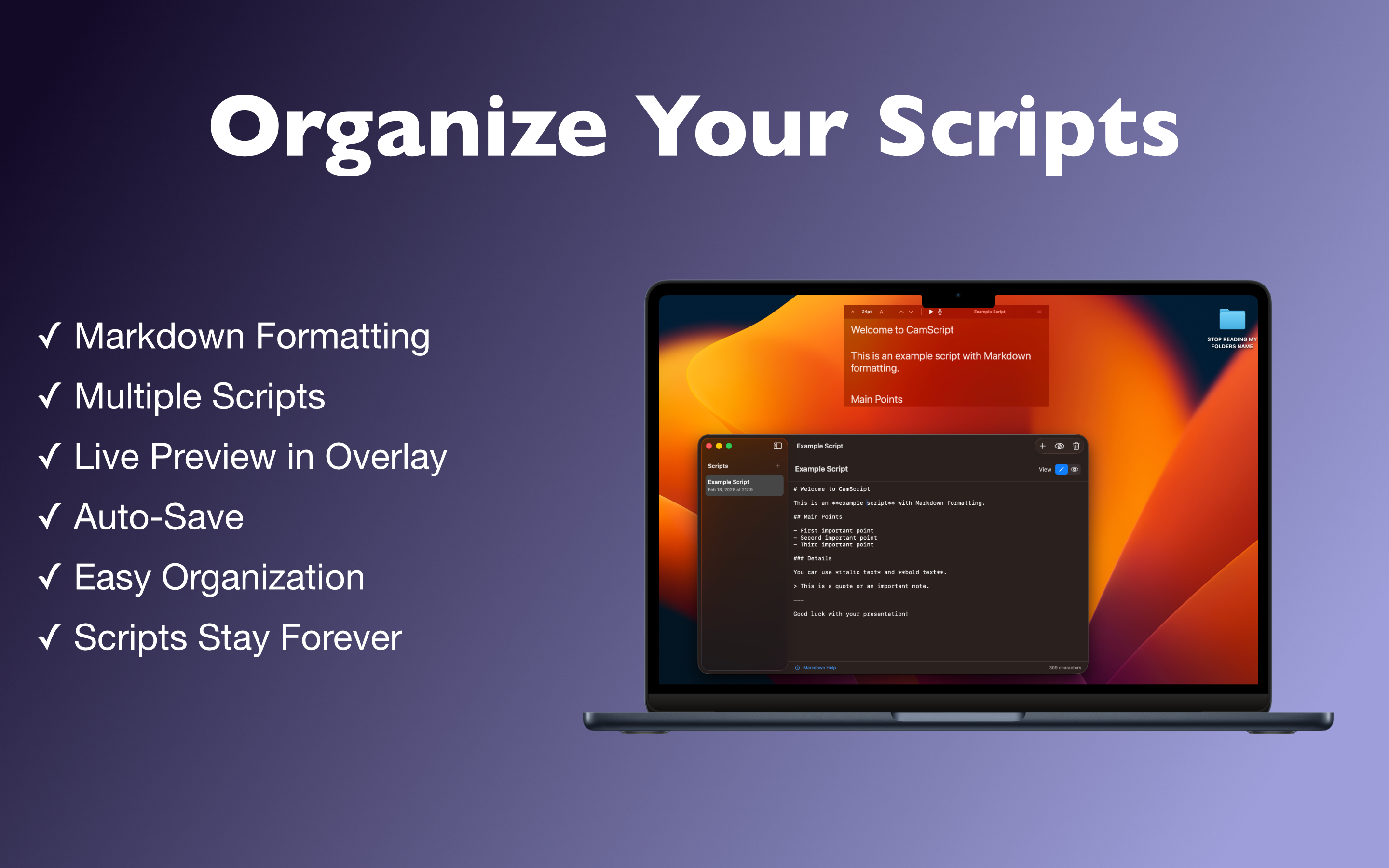
Format your scripts with headers, bold, italics, lists, and quotes for better readability.
Save, organize, and switch between multiple scripts instantly. Auto-save included.
Offline speech recognition (Apple On-Device). No data ever leaves your Mac.
Write your script using Markdown or paste it from your notes.
Place the CamScript window right under your webcam for natural eye contact.
Share your screen on Zoom/Teams. CamScript stays invisible to them.
Activate scrolling (Voice or Auto) and deliver a perfect presentation.
Record videos without looking away from the lens.
Deliver structured online lessons seamlessly.
Pitch decks and quarterly reports with confidence.
CamScript is built with privacy at its core. Speech recognition happens entirely on your device
using Apple's Neural Engine.
No cloud processing. No internet required. Zero tracking.